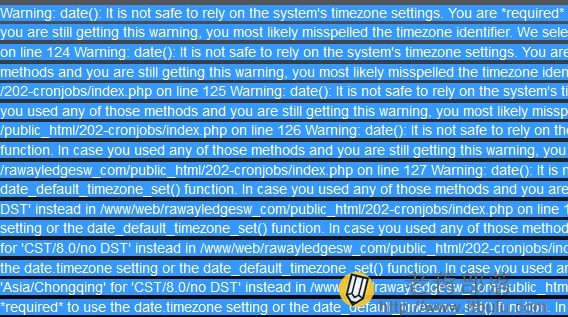
原本想侥幸首页没有问题,只要能登录进入就可以,但是登录后依旧不行,看来是需要解决问题了。
第一、错误提示问题
> Warning: date(): It is not safe to rely on the system's timezone settings. You are required to use the date.timezone setting or the date_default_timezone_set() function. In case you used any of those methods and you are still getting this warning, you most likely misspelled the timezone identifier. We selected 'Asia/Chongqing' for 'CST/8.0/no DST' instead in
大概是这样的提示错误。
第二、解决问题
根据报错问题,只需要在202-cronjobs/index.php 文件中设置问题,应该是时间函数严格导致的,这里我们授权函数。
> date_default_timezone_set('PRC');
> date('Y-m-d H:i:s');
202-cronjobs/index.php文件中加上上面两行代码。这样就可以解决问题。
总结,从PHP 5.1.0,当对使用date() 等函数时,如果 timezone 设置不正确,在每一次调用时间函数时,都会产生 E_NOTICE 或者 E_WARNING 信息。而又在 PHP 5.1.0 中,date.timezone 这个选项,默认情况下是关闭的,无论用什么PHP 命令都是格林威治标准时间,而在PHP 5.3版本中如果没有设置也会强行出现错误的,我们只需要通过上面的方法强制本地时间就可以解决问题。